Microsoft · 2005

Xbox 360 PC ports, recomps & decompilations

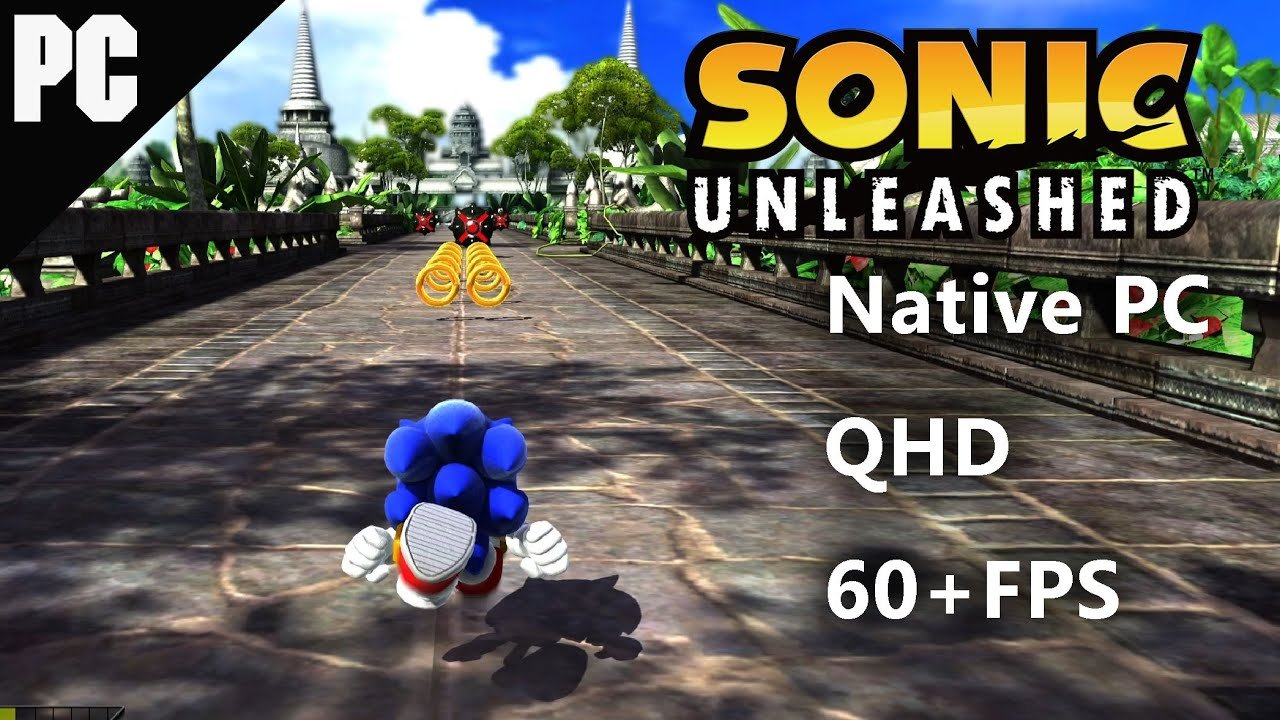
Xbox 360 recompilation took off after XenonRecomp was used to build Unleashed Recompiled, a native PC port of Sonic Unleashed. The same approach translates the console's PowerPC code into native programs for modern computers. Nearly all of these projects need game files from a disc you own.

TabPlay Games lists 258 Xbox 360 projects: 225 static recomps, 18 decompilations, 12 source ports, 2 engine remakes, 1 browser ports. 1 of them can be played in a web browser. 3 need data from a copy of the game you own.

Top Xbox 360 projects

Play Xbox 360 games in your browser

Project types for Xbox 360

Static recomps · 225

A static recompilation translates a console game's machine code ahead of time into C or C++, then compiles it into a native program for Windows, macOS or Linux. Because the game no longer runs through an emulator, recomps can add widescreen, high frame rates, modern controller support and mods while keeping the original game logic..

Decompilations · 18

A decompilation rebuilds readable source code for a game by hand, function by function, until it compiles back into the original binary. A finished decompilation is what makes native PC ports, ports to other systems, and large mods possible.

Source ports · 12

A source port takes a game's released or reconstructed source code and adapts it to run natively on modern systems. Source ports usually add higher resolutions, uncapped frame rates, modern controls and mod support, and they keep working long after the original releases stopped running on new hardware..

Engine remakes · 2

An engine remake re-implements a game engine from scratch, without the original code, so the game can run on modern systems. Remakes read the original game's data files, so the content stays the same while the engine around it is new, open source and often improved..

Frequently asked questions

Can I play Xbox 360 games on PC without an emulator?

Yes, for some games. 239 projects here are static recompilations, source ports or engine remakes that run as native PC programs, with no emulator involved. The decompilations listed here are the groundwork that makes more of these ports possible.

Do I need my own Xbox 360 game files?

Usually yes. 3 projects say they need data from a copy you own, and TabPlay Games never provides game files.

Which Xbox 360 games can I play in a browser?

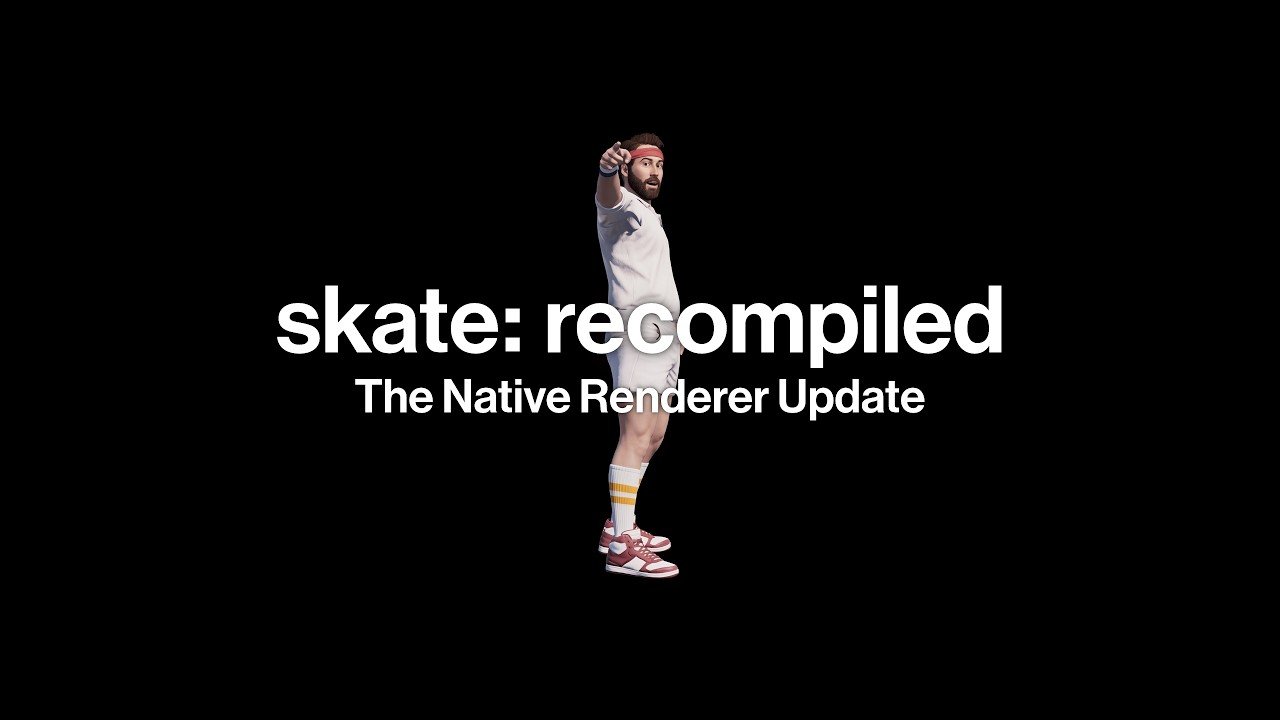
Start with Skate 3. Each page lists whether the game needs files and whether its link was working at our last check.

Are these projects official?

No. They are third-party fan and open-source projects. TabPlay Games indexes links to them and does not host games. Trademarks belong to their owners.

Guides for players

What are recompiled games?

Fans take finished games apart and rebuild them so they run on modern hardware—or inside a browser tab. Decompilation recovers readable source code; static recompilation translates console machine code into C or C++ that compiles for PC; engine remakes rewrite the engine while keeping the original data files.

These projects can unlock widescreen, higher resolutions, and smoother frame rates that emulators struggle to match. TabPlay lists where to play or download them, whether you need your own game files, and whether the link was working at our last check.

What are browser ports?

A browser port runs in Chrome, Edge, or Firefox using WebAssembly and WebGL or WebGPU. Nothing installs on your PC: the game downloads into the browser cache the first time you open it.

Some builds include everything you need; others ask you to load data from a copy of the game you own. TabPlay opens the author's page or our player—we do not host game files.

Why is a game lagging in my browser?

Most browser ports use your GPU through WebGL or WebGPU. If hardware acceleration is off, the browser falls back to the CPU and frame rates drop. Battery-saver modes and many open tabs make it worse.

  1. Paste chrome://settings/system into the address bar (or find System in your browser settings).
  2. Turn on “Use graphics acceleration when available”.
  3. Relaunch the browser.
  4. Open chrome://gpu and confirm it says Hardware accelerated for WebGL.

All 258 Xbox 360 projects (A–Z)

A

B

C

D

E

F

H

I

J

K

L

N

O

Q

R

S

T

V

W

X